
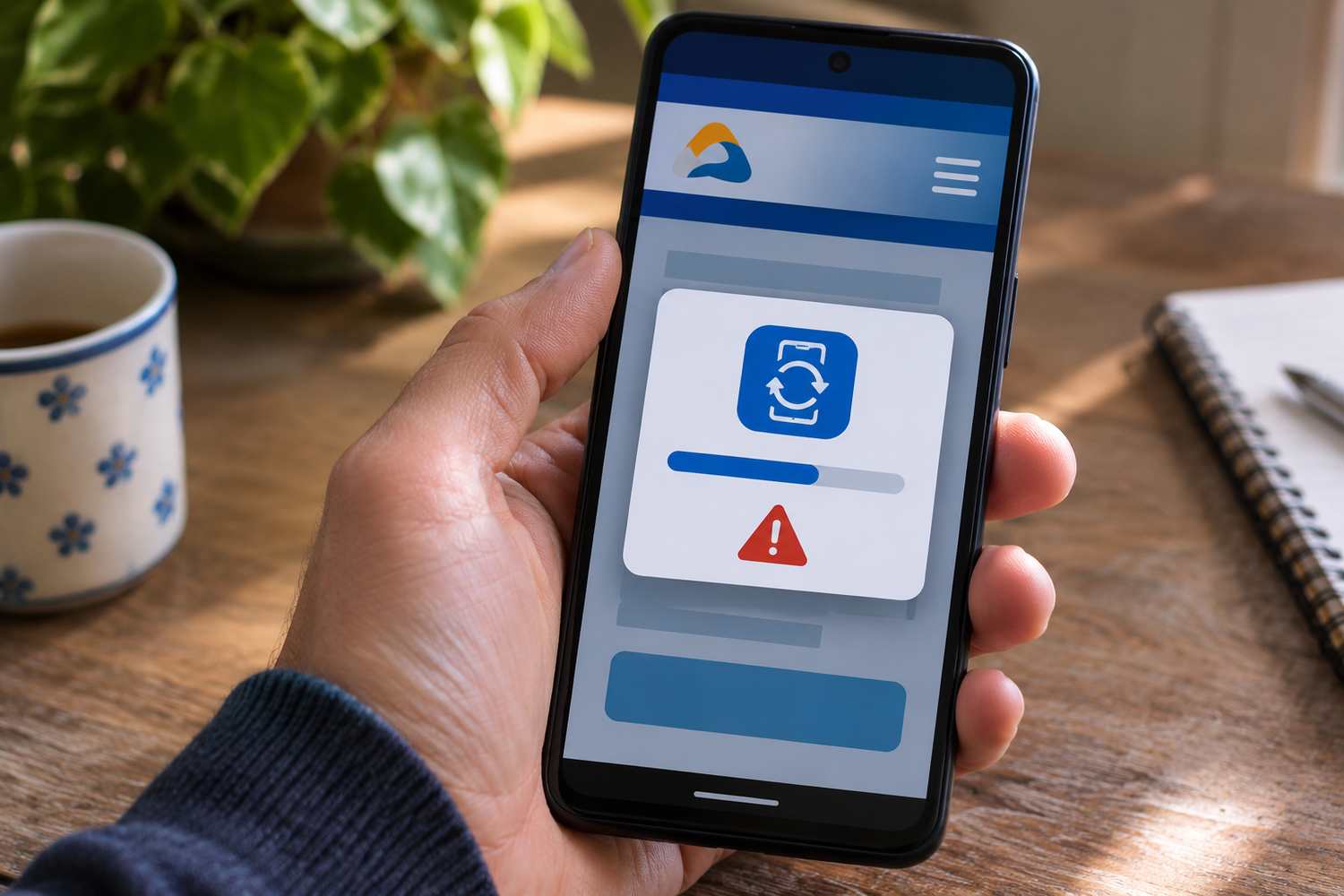
An SMS arrives, a website that looks like that of the Revenue Agency opens and a request to update the IO app appears. Everything appears to be in order, including a reassuring message that guarantees verification by Google Play Protect. Too bad the site is fake, the update doesn’t exist and it’s hiding behind the download Mirax, a malware capable of intercepting banking credentials, SMS and security codesas well as allowing attackers to control the smartphone remotely.
The campaign was identified on 17 November 2026 by CERT-AGID, the IT security structure of the Agency for Digital Italy. Two days later the notice also arrived from the Revenue Agency, which declared itself completely unrelated to the operation. The criminals chose three names familiar to Italians, Revenue Agency, IO app and Google Play Protect, to build an institutional-looking scam. Official, however, are only the copied names.
The fake Revenue website only appears on your phone
The scam starts with an SMS that directs the victim to a fraudulent domain. The page reproduces the appearance of the Revenue Agency portal and invites you to download an Android application to continue using the services.
There is an interesting detail in the experts’ analysis: Fraudulent content is only shown to devices recognized as mobile. In fact, the site controls the User-Agent, information transmitted by the browser that allows it to identify the type of device used. Anyone visiting the page from a normal computer may therefore not see the same malicious screen. A measure that makes it more difficult to identify the scam through a simple desktop check.
On the phone, however, an invitation to download an APK file appears, the format used to install Android applications even outside the Google Play Store. The user is thus encouraged to install a program presented as official.
Once the application is launched, another screen appears. This time the reference is to the IO app, the service that allows citizens to receive communications from public administrations, make payments and access some digital documents. The message claims that you need to install an update to continue using the service.
It is through this additional step that the Mirax malware is proposed. A sequence constructed to accompany the victim from a counterfeit site to the installation of the malicious program, each time exploiting the apparent reliability of a public service.
The fake Google Play Protect check
To make the download more credible, the attackers also inserted the wording “Verified by Google Play Protect” into the screen. Google Play Protect really exists and is Android’s security system that monitors applications for potentially harmful behavior. In this case, however, the writing was inserted by the authors of the scam themselves. It does not certify any verification performed by Google.
The mechanism is quite simple: after imitating the Revenue Agency and the IO app, the criminals also appropriate the name of the service that is supposed to protect the smartphone from dangerous applications. A nice collection of other people’s identities, in short.
Mirax can read SMS and intercept bank codes
The malware identified by CERT-AGID combines two particularly dangerous features. It’s a banking trojanthat is, software designed to steal information related to banking services, and also has features from Remote Access Trojan (RAT), which allow attackers to control the compromised device remotely.
Once installed and the necessary permits have been obtained, Mirax can intercept passwords, SMS and OTP codesthose temporary numbers used to confirm access and banking operations. It can also improperly exploit Android Accessibility services, functions created to make smartphones usable also by people with disabilities.
With these permissions, malware can interact with some device functions and overlay fake screens on legitimate applications. For example, a person might believe they are entering credentials into their banking app while filling out an attacker-controlled screen.
The CERT-AGID also signals the possibility of carrying out unauthorized banking operations. These are the capabilities of the malware identified during the technical analysis: this does not mean that money has been stolen from all the people reached by the campaign.
Experts also found part of the malicious code hidden in a seemingly harmless file called fsIZe.json. The contents were encrypted and contained additional program components, a system used to hinder the detection of malware during security analyses.
How to recognize the scam and what to do if you have installed the app
The Revenue Agency reminds you that its institutional domain is agenziaentrate.gov.it. All it takes is an added letter, a similar name or an artfully constructed address to make a site that belongs to someone else seem authentic. Another red flag is the request to manually install an application via a link received via SMS. The official IO app can be downloaded from authorized stores and updates must be checked directly through these channels.
As Google also explains in the Play Protect guide, the system checks the installed apps and can report, deactivate or remove potentially harmful ones. The verification can be started from the Google Play Store, by accessing the Play Protect section. Anyone who has only opened the counterfeit site, without downloading and installing applications, should not assume that their smartphone has been infected. The decisive step of the analyzed campaign is the installation of the malicious software.
However, if a suspicious application has been installed, this is appropriate stop using that smartphone to access banking servicescontact the bank through official channels and change your credentials from another secure device. It is also necessary to check the applications installed and the permissions granted, especially those relating to Accessibility services. In cases of persistent compromise, it may be necessary to reset your phone after securing your personal data. The Agency also invites you to consult its section dedicated to phishing and to contact the local offices in case of suspicious communications.
The campaign analyzed concerns Android devices and uses APK files. The authentic IO app is not compromised. Instead, the attackers built a procedure that resembles a normal update, hoping that someone will follow the instructions without checking where they came from. And they even thought of adding Google’s guarantee in the screenshot. Too bad that was fake too.
